

The Hidden Engine Behind Your Google Shopping Success
For e-commerce businesses, Google Shopping Ads are often the star player in driving online sales. They put your products directly in front of eager buyers searching for exactly what you offer. But what if your Shopping Ads aren’t performing as well as they could be? You might be missing a crucial step: meticulous product feed optimization. Your product feed is the backbone of your Shopping Ads campaigns; it’s the data Google uses to match your products with relevant searches. A poorly structured or incomplete feed can lead to missed opportunities, wasted ad spend, and lower conversion rates. Think of it like trying to sell a book with a blurry cover and a missing synopsis – potential customers just won’t connect with it.
Why Your Product Feed Needs Constant Attention
Many businesses treat their product feed as a set-it-and-forget-it element. This is a common pitfall. The digital landscape, consumer behaviour, and Google’s algorithms are constantly evolving. Your product feed needs to be a living document, regularly updated and refined. Here’s why it’s so critical:
- Improved Ad Relevance: A well-optimized feed ensures Google understands your products deeply. This leads to more accurate ad targeting, meaning your ads are shown to users who are genuinely interested.
- Higher Click-Through Rates (CTR): When your product titles, descriptions, and images are compelling and accurate, users are more likely to click on your ads.
- Better Conversion Rates: Accurate product information, including pricing and availability, builds trust and encourages purchases.
- Lower Cost Per Acquisition (CPA): By serving more relevant ads to more qualified buyers, you reduce wasted impressions and clicks, thereby lowering your overall cost to acquire a customer.
- Reduced Rejections and Policy Violations: Google has strict guidelines for product feeds. An optimized feed minimizes the chances of your products being disapproved, keeping your campaigns live.
The Essential Product Feed Optimization Checklist
Optimizing your product feed is an ongoing process, but focusing on these key areas can yield significant improvements. Consider this your go-to checklist:
1. Product Titles: The First Impression
Your product titles are arguably the most important attribute in your feed. They’re heavily weighted by Google’s search algorithm and are what users see first.
- Include Primary Keywords: Think about what your customers would actually search for. Include the brand name (if relevant and desired), product type, key features, and material. For example, instead of
T-Shirt, useNike Dri-FIT Cotton Blend Men's Short-Sleeve T-Shirt - Blue. - Keep it Concise but Informative: Aim for clarity within the character limits (Google recommends around 70 characters, though longer can be displayed). Prioritize the most important information at the beginning.
- Avoid Keyword Stuffing: Don’t just list keywords. Write natural-sounding titles that accurately describe the product.
2. Product Descriptions: Tell the Story
Descriptions provide the context and detail that titles can’t. They help Google understand your product better and can sway a customer’s decision.
- Expand on Key Features: Elaborate on the benefits and unique selling points mentioned in the title.
- Use Relevant Keywords Naturally: Incorporate long-tail keywords that potential customers might use. If you sell hiking boots, a description could mention
waterproof,arch support,all-terrain grip, andbreathable lining. - Structure for Readability: Use bullet points or short paragraphs to make information easy to digest. Google also uses this data for its own product knowledge graph.
3. High-Quality Images: Visual Appeal Matters
Product images are critical for e-commerce. In Shopping Ads, they’re often the first thing a user notices.
- Use Clear, High-Resolution Images: Ensure your images are sharp, well-lit, and show the product from multiple angles if possible.
- Adhere to Google’s Guidelines: Use a white or neutral background. Don’t include promotional text, watermarks, or borders. The image should feature only the product.
- Consider Lifestyle Shots (where appropriate): While the main image should be on a plain background, some feed specifications allow for additional images that can show the product in use, which can be very persuasive.
4. Pricing and Availability: Accuracy is Key
Nothing frustrates a shopper more than clicking on an ad only to find the price is wrong or the item is out of stock.
- Sync Regularly: Ensure your feed data is updated frequently, ideally daily or even more often if your inventory changes rapidly. Use scheduled fetches or manual uploads.
- Match Website Data: The price and availability shown in your Shopping Ads must match what’s on your product landing page. Discrepancies can lead to disapprovals.
- Use Correct Currency: Double-check that your currency codes are accurate for your target market.
5. Product Categories and Custom Labels: Granular Control
These attributes help Google understand your product hierarchy and allow for campaign segmentation.
- Utilize Google Product Category: Assign the most specific category possible from Google’s taxonomy. This is crucial for matching queries. For example,
Apparel & Accessories > Clothing > Shirts > T-Shirtsis better than justApparel. - Leverage Custom Labels: This is where you can add your own segmentation for bidding strategies. Common custom labels include
Best Seller,New Arrival,Low Stock,Seasonal, or even profit margin tiers (High Margin,Low Margin). This allows you to bid more aggressively on products you want to push.
6. Unique Product Identifiers: The Foundation of Trust
Unique product identifiers (UPIs) like GTINs (Global Trade Item Numbers), MPNs (Manufacturer Part Numbers), and Brand are essential for Google to identify your products accurately.
- Provide Accurate GTINs: If your product has a GTIN (like a UPC or EAN), always provide it. This is the most reliable identifier.
- Include Brand and MPN: If a GTIN isn’t available, the Brand and MPN combination is the next best thing. Ensure these are accurate and consistently formatted.
- Avoid Generic Values: Never use generic values like
N/AorNonefor these fields unless explicitly instructed by Google for specific product types.
Beyond the Basics: Advanced Optimization Tactics
Once you have the fundamentals covered, consider these advanced strategies:
- Strategic Use of
ad_groupingandad_labels: These attributes allow for further segmentation within your campaigns, beyond standard custom labels. You can group similar products or apply specific ad labels for performance tracking. - Leveraging
promotion_id: If you’re running specific sales or promotions, linking them to products viapromotion_idensures your offers are highlighted in the ads, increasing appeal. - Regular Feed Audits with Merchant Center Tools: Don’t just rely on automated warnings. Proactively use Google Merchant Center’s diagnostics and feed quality tools to identify potential issues before they impact performance. Look for sections like ‘Items’ > ‘Diagnostics’ for detailed error reports.
- Competitive Analysis: Regularly review how your competitors are presenting their products. Are their titles more descriptive? Are their images more engaging? This can provide valuable insights.
Conclusion: Your Feed is Your Foundation
Optimizing your Google Shopping product feed isn’t a one-time task; it’s a continuous effort that directly impacts your campaign’s success. By diligently working through this checklist, you’re not just improving your ad’s appearance; you’re enhancing its relevance, reach, and ultimately, its return on investment. A well-maintained product feed is the bedrock upon which successful Google Shopping campaigns are built.
If you’re finding product feed management overwhelming or want to ensure your campaigns are performing at their peak, our team of experts is here to help. We specialize in unlocking the full potential of e-commerce advertising for brands like yours. Contact HC Invoice today for a no-obligation consultation and let’s discuss how we can elevate your Google Shopping Ads performance.
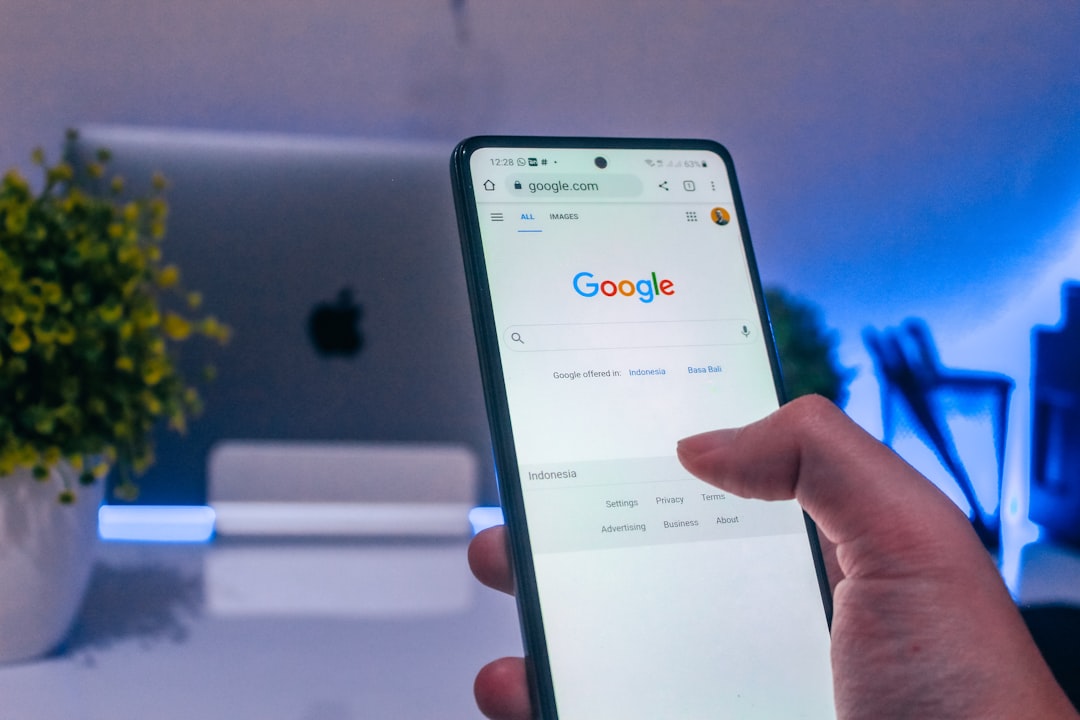
Photo by Rubaitul Azad on Unsplash