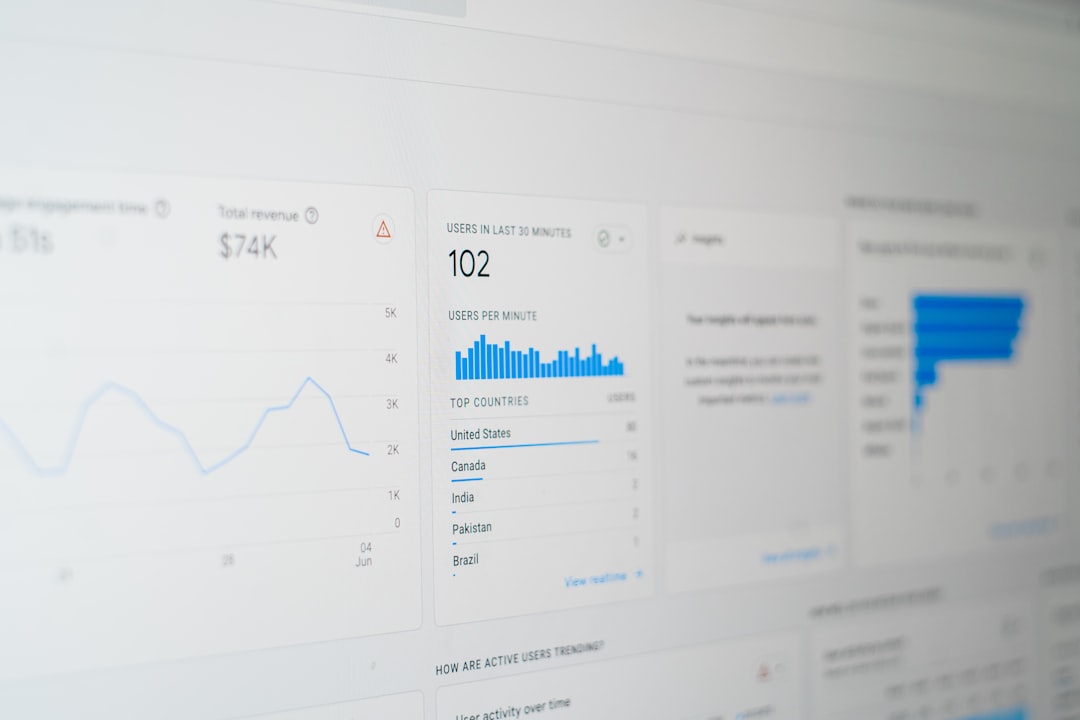


Is Your Google Ads Spend Actually Working?
As an independent marketing agency, you pour significant effort into crafting sophisticated Google Ads campaigns for your clients. You meticulously research keywords, design compelling ad copy, and optimize bidding strategies. But how do you truly know which efforts are driving tangible business results – leads, sales, form submissions, or even phone calls? Without accurate conversion tracking, you’re essentially flying blind. You might be spending a considerable budget on campaigns that look good on paper but aren’t contributing to your clients’ bottom lines. This isn’t just about vanity metrics; it’s about proving your agency’s value and driving measurable growth. Setting up Google Ads conversion tracking correctly is foundational to demonstrating ROI and making data-driven decisions.
The Core of Conversion Tracking: What & Why
At its heart, conversion tracking is the process of monitoring specific, valuable actions that users take on a client’s website after interacting with their Google Ads. These actions, or ‘conversions,’ are defined by you and the client based on their business goals. Common examples include:
- Form Submissions: Leads generated through contact forms, quote requests, or newsletter sign-ups.
- Purchases: E-commerce transactions.
- Phone Calls: Calls originating from ads or website clicks.
- App Downloads: Users downloading a client’s mobile application.
- Page Views: Specific pages visited, like a ‘thank you’ page after a purchase or sign-up.
Why is this critical? Because it shifts the focus from clicks and impressions to actual business outcomes. When you can accurately attribute these valuable actions back to specific ad campaigns, keywords, and ad groups, you unlock several key benefits:
- Performance Measurement: Understand which campaigns are actually driving leads or sales, not just traffic.
- Budget Optimization: Allocate spend more effectively to the highest-performing areas and cut waste from underperforming ones.
- Bidding Strategy Refinement: Leverage automated bidding strategies (like Target CPA or Maximize Conversions) that rely on accurate conversion data to optimize performance.
- Client Reporting: Provide concrete, data-backed proof of the impact your agency’s efforts are having on client revenue and growth.
Without this data, your optimization efforts are guesswork. You might be improving click-through rates, but if those clicks aren’t leading to conversions, the campaign isn’t truly succeeding.
Setting Up Your First Conversions: A Step-by-Step Approach
Google Ads offers a robust system for setting up conversion tracking. The most common and recommended method involves using the Google Tag (gtag.js) or Google Tag Manager (GTM).
1. Define Your Conversions: Before touching any code, sit down with your client and clearly define what constitutes a valuable conversion for their business. What action signifies a successful interaction that moves the needle? Document these clearly.
2. Navigate to Conversion Actions in Google Ads: In your Google Ads account, go to ‘Tools & Settings’ (the wrench icon) > ‘Measurement’ > ‘Conversions’. Click the blue ‘+’ button to create a new conversion action.
3. Choose Conversion Source: You’ll typically select ‘Website’ for most agency clients.
4. Configure Your Conversion Action:
* Category: Choose the most relevant category (e.g., ‘Submit lead form’, ‘Purchase’, ‘Sign-up’).
* Conversion Name: Give it a clear, descriptive name (e.g., ‘Contact Form Leads’, ‘Ecomm Orders’).
* Value: This is crucial. You can assign a value to each conversion. For e-commerce, this is often the transaction value. For leads, you might assign an average lead value based on historical data (e.g., if 1 in 10 leads converts to a $500 sale, the lead value is $50). If a precise value is hard to determine, you can use ‘Use different values for each conversion’ or ‘Don’t use a value’.
* Count: How do you want to count conversions? ‘Every’ is best for sales (each purchase matters). ‘One’ is usually best for leads (you typically only care if a lead was generated, not if they submitted the form twice).
* Click-through conversion window: How long after an ad click should a conversion be recorded? (e.g., 30 days is common).
* View-through conversion window: How long after an ad impression (even if not clicked) should a conversion be recorded? (e.g., 1 day).
* Attribution Model: This determines how credit is assigned across different ad interactions. While ‘Last Click’ is simple, models like ‘Data-Driven’ (if available) or ‘Linear’ often provide a more holistic view of the customer journey.
5. Set Up the Tag: After saving your conversion action, Google Ads will provide you with options to install the tag. You’ll likely see:
* Install the tag yourself: This provides you with the Google Tag (gtag.js) code. You’ll need to add this to every page of your client’s website, usually within the <head> section. You’ll also need to add an ‘event snippet’ to the specific pages or elements that trigger the conversion (e.g., the ‘thank you’ page after a form submission, or a specific button click).
* Email instructions to a web developer: If you don’t have direct access or expertise, send these instructions.
* Use Google Tag Manager: This is often the preferred method for agencies. If your client uses GTM, you’ll create a ‘Google Ads Conversion Tracking’ tag within GTM, inputting your Conversion ID and Conversion Label from Google Ads. You’ll then set up triggers in GTM to fire this tag only when a specific conversion event occurs (e.g., a form submission confirmation page view, or a click on a specific phone number link).
Beyond the Basics: Advanced Tips for Agencies
Simply installing the basic tag isn’t always enough. To truly excel and provide superior value, consider these advanced strategies:
1. Tracking Dynamic Values (Especially for E-commerce)
For e-commerce clients, hardcoding a static value for purchases is a mistake. You need to dynamically pass the actual transaction value from the website’s backend to Google Ads. This requires implementing the Google Tag with parameters that include value and currency. If using GTM, this often involves setting up dataLayer variables to capture the order total and passing them to your Google Ads Conversion Tracking tag. This allows Google Ads to understand the true revenue generated by each campaign, which is essential for ROAS (Return on Ad Spend) optimization.
2. Implementing Enhanced Conversions
Enhanced Conversions is a feature that improves the accuracy of your conversion measurement. When a customer makes a purchase on your site, they might provide first-party data like their email address. Enhanced Conversions securely sends a hashed version of this data to Google, which can then match it to Google accounts that have signed in. This helps recover conversions that might otherwise be lost due to cookie limitations or delays. Setting this up involves modifying your tag implementation to capture and send this hashed data. It’s particularly valuable for lead generation and e-commerce sites.
3. Offline Conversion Tracking: The Unsung Hero
This is where many agencies miss a massive opportunity. What happens after a lead is generated via a website form? Often, it goes into a CRM, and a sales team follows up. A significant portion of these leads might eventually convert into paying customers, but this conversion happens offline. Without offline conversion tracking, these valuable sales are lost to Google Ads reporting.
To implement this, you need to:
a. Tag Online Conversions: Ensure your website tag captures a unique transaction ID for each online conversion (e.g., form submission).
b. Pass Data to CRM: Ensure this transaction ID, along with customer data (like email address), is passed to your client’s CRM.
c. Export Offline Conversions: Periodically (daily or weekly), export data from the CRM that includes the transaction ID and whether the lead eventually became a sale (and its value). You can then upload this data back into Google Ads using a GCLID (Google Click Identifier) or by matching on customer email (hashed).
This process allows you to attribute offline sales back to the original Google Ads clicks that generated the initial lead. The setup can be complex, often requiring API integrations or careful CSV uploads, but the insights gained are invaluable for proving the true ROI of lead generation campaigns.
4. Call Tracking Nuances
If phone calls are a key conversion, use dynamic number insertion (DNI) via a call tracking service (many integrate with Google Ads). This replaces the client’s main phone number with a unique tracking number on their website when a user arrives from a specific Google Ad. This allows Google Ads to attribute calls back to the specific ad, keyword, and campaign that drove them. Ensure your call tracking setup counts calls of a sufficient duration as conversions.
The Bottom Line: Accurate Data Drives Better Results
Mastering Google Ads conversion tracking is not optional; it’s fundamental to effective digital advertising management. It transforms your agency from a service provider into a strategic growth partner. By accurately measuring what matters, you can optimize campaigns with confidence, demonstrate clear ROI to your clients, and secure long-term partnerships built on trust and results. Don’t let valuable insights slip through the cracks due to incomplete tracking.
Are you struggling to implement robust conversion tracking for your clients, or unsure if your current setup is truly optimized? We understand the complexities involved. Reach out to HC Invoice today for a no-obligation consultation. Let’s discuss how we can help you unlock the full potential of your clients’ Google Ads investments.
Photo by Arkan Perdana on Unsplash